Create a CSS only marquee effect with Atomic Widgets in Elementor 4.x
In this tutorial we will create a custom marquee effect with Elementor Atomic Widgets and custom CSS and pausing when a user hovers the container:
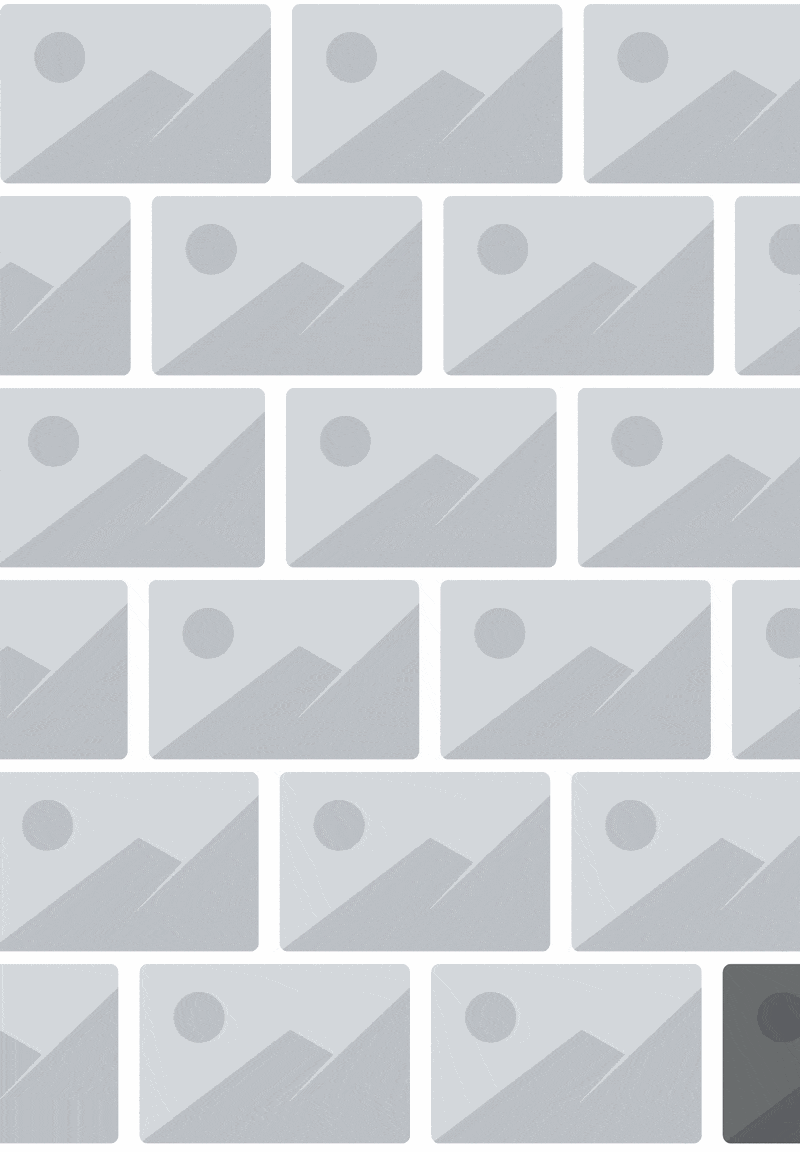
The setup
We can move everything inside the marquee but for this tutorial we will use normal images to keep the setup as simple as possible. But you can switch that to another container with more content too.
The first part is simple Atomic “Flexbox” container for the outer shell and another “Flexbox” that is animated and contains the actual content later:

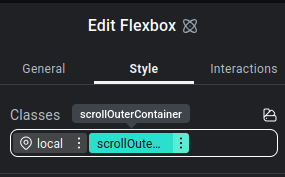
Select the outer container and give it a class “scrollOuterContainer”:
then select the inner container and give it a class called “scrollContainer”:
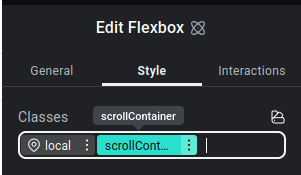
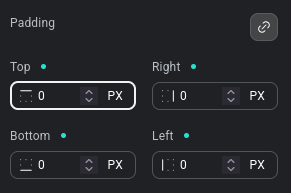
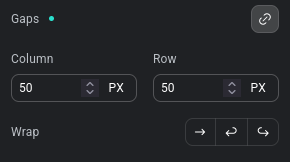
In both of the classes we want to remove the padding by setting it to 0 and set the gap to 50
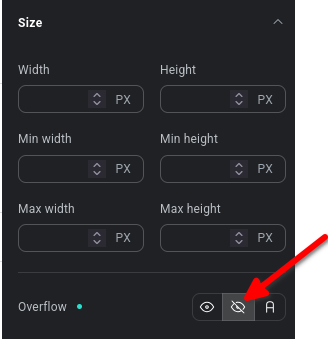
The outer container should also be set to be “overflow:hidden” so we don’t have a horizontal scrollbar:
Now add an Atomic Image widget in the inner container and give it a class “sliderImage”:
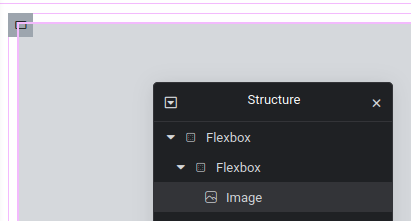
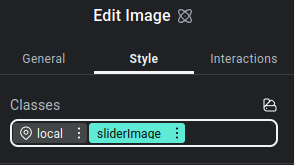
Do the following settings inside the “sliderImage” class:
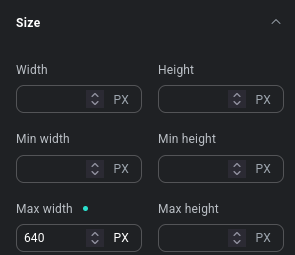
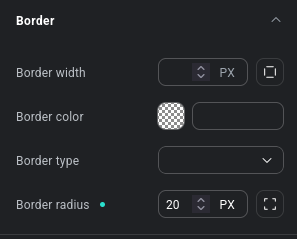
and duplicate the image a few times:

In the last setup step we want to duplicate the inner Flexbox (scrollContainer) so we have the content twice:

The styles
Our setup is ready now and in the last step we have to add some custom CSS to animate and pause the marquee. For the free version of Elementor you can use the normal WordPress Appearance – Design – Custom CSS section or the styles.css in a custom theme.
To animate the scrollContainer we can use this simple CSS animation:
.scrollContainer {
    flex-shrink: 0;
    width: max-content;
    animation: scrollContainer 50s linear infinite;
}

@keyframes scrollContainer {
    from {
        transform: translateX(0);
    }
    to {
        transform: translateX(calc(-100% - 50px));
    }
}
This will move the whole container for 50s to the left. The “50px” is the gap value we’ve used before. So if you have a different gap value you have to change the number here too.
If you want the marquee effect to pause when you hover it you can add this CSS:
.scrollOuterContainer:hover {
    .scrollContainer {
        animation-play-state: paused;
    }
}
That’s it. Now the content is moving and will pause when you hover the container.